Step 01
Upload a selfie
Start with a clear front-facing photo from your phone.
SwapQ.ai
Upload a selfie and get a clean passport or ID photo preview in minutes. SwapQ.ai focuses on practical photo transformation for travel and document needs.

Selfie
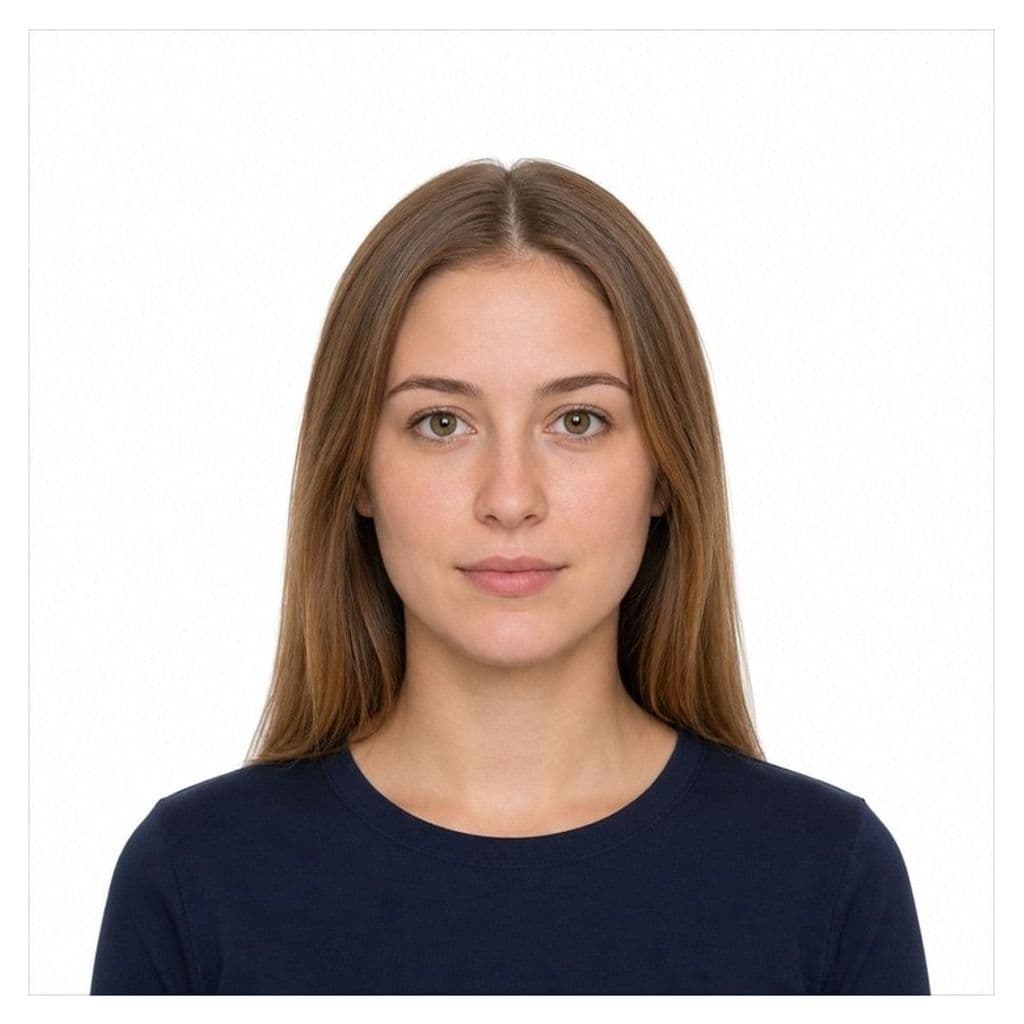
ID photo
Step 01
Start with a clear front-facing photo from your phone.
Step 02
We remove the background, fit the size, and generate a clean preview.
Step 03
Check the result first. HD download is free for a limited time.
Tools from real photo needs
Available now
Selfie to compliant size: compliance check, reject fixes, HD JPEG + 4×6 print sheet.
Available now
Upload-ready JPEG for online forms, plus a 4×6 print sheet for appointments.
Available now
Skip the $15–17 drugstore trip. Online alternative when the counter is busy or closed.
Available now
Square white-background 2×2 for common USCIS uploads like I-130.
Available now
Crop, shadow, glasses, or print paper—tick the reject reason and regenerate a spec preview.
Available now
No beauty filter. Spec crop and plain background when a print was stamped digitally altered.
3 steps
Upload, preview, download
Free now
Normally $4.99 · free through Aug 31
Multi-size
Passport, visa, ID & more templates
Preview is always free. Right now HD download is also free for a limited time — no payment required.
Start with US Passport if that is your destination. The tool also includes visa, driver license, EU, UK, Canada, and other templates.
Yes. Use a clear, front-facing selfie with even light and your full face visible. Avoid heavy filters.
No tool can guarantee acceptance. Always review official requirements and inspect your preview carefully before you submit.
Photos are processed to create your preview and download. See the Privacy Policy for retention details.